

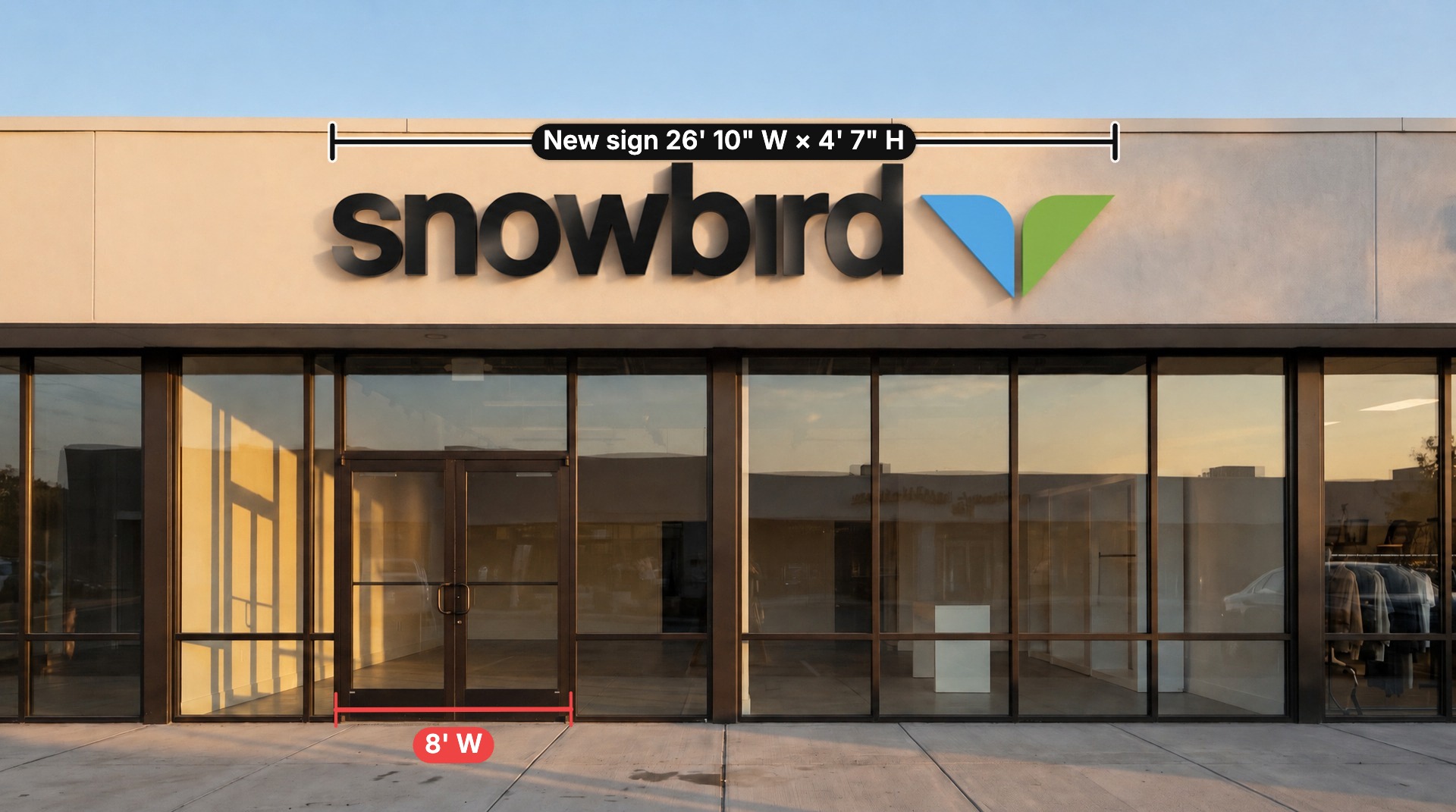
Streamline Your Sign Shop Workflow with New Design, Survey, and Proposal Updates
Welcome to this week's Vuely update! Explore the latest enhancements designed to make sign design, field surveying, and client proposals faster and easier for your entire team.
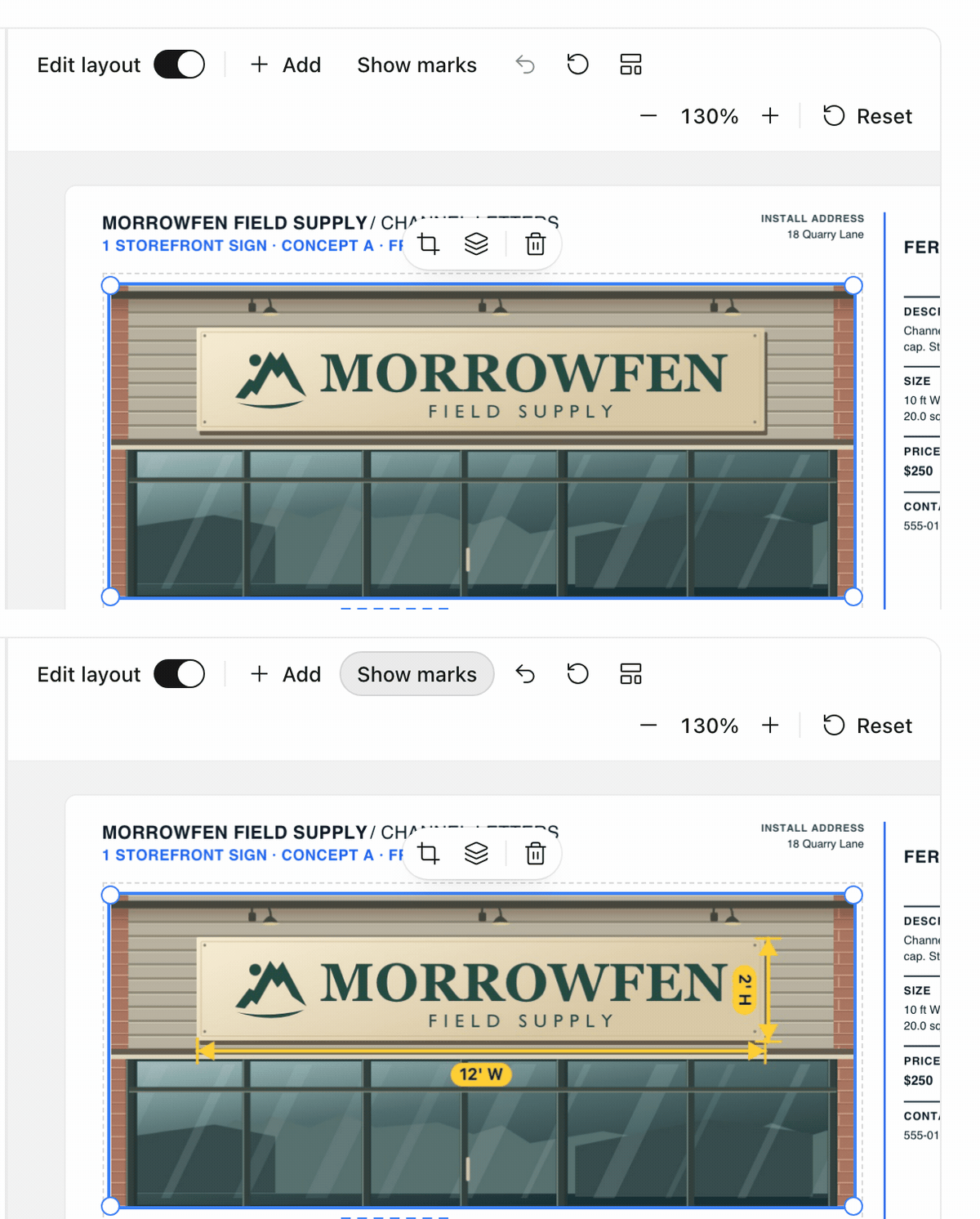
Show survey photo marks in proposals
Display helpful measurements, lines, and labels directly on proposal survey photos for clearer client communication.
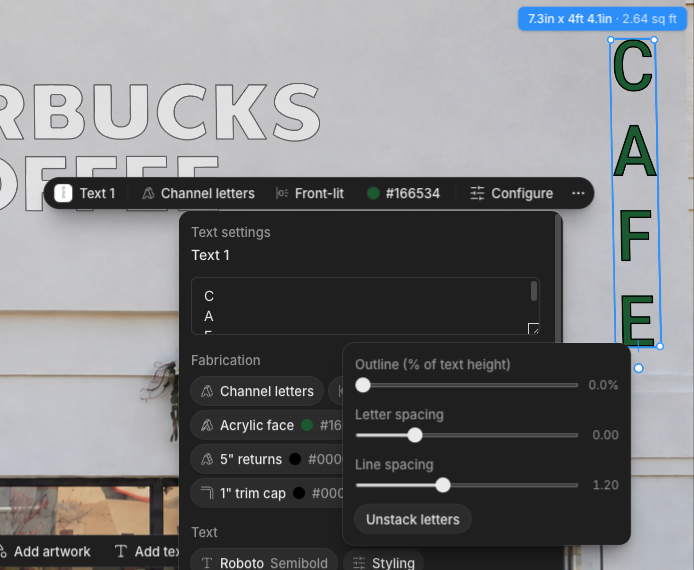
Stack letters into vertical signs
Easily arrange text vertically by placing each letter on its own line while maintaining precise control over spacing.
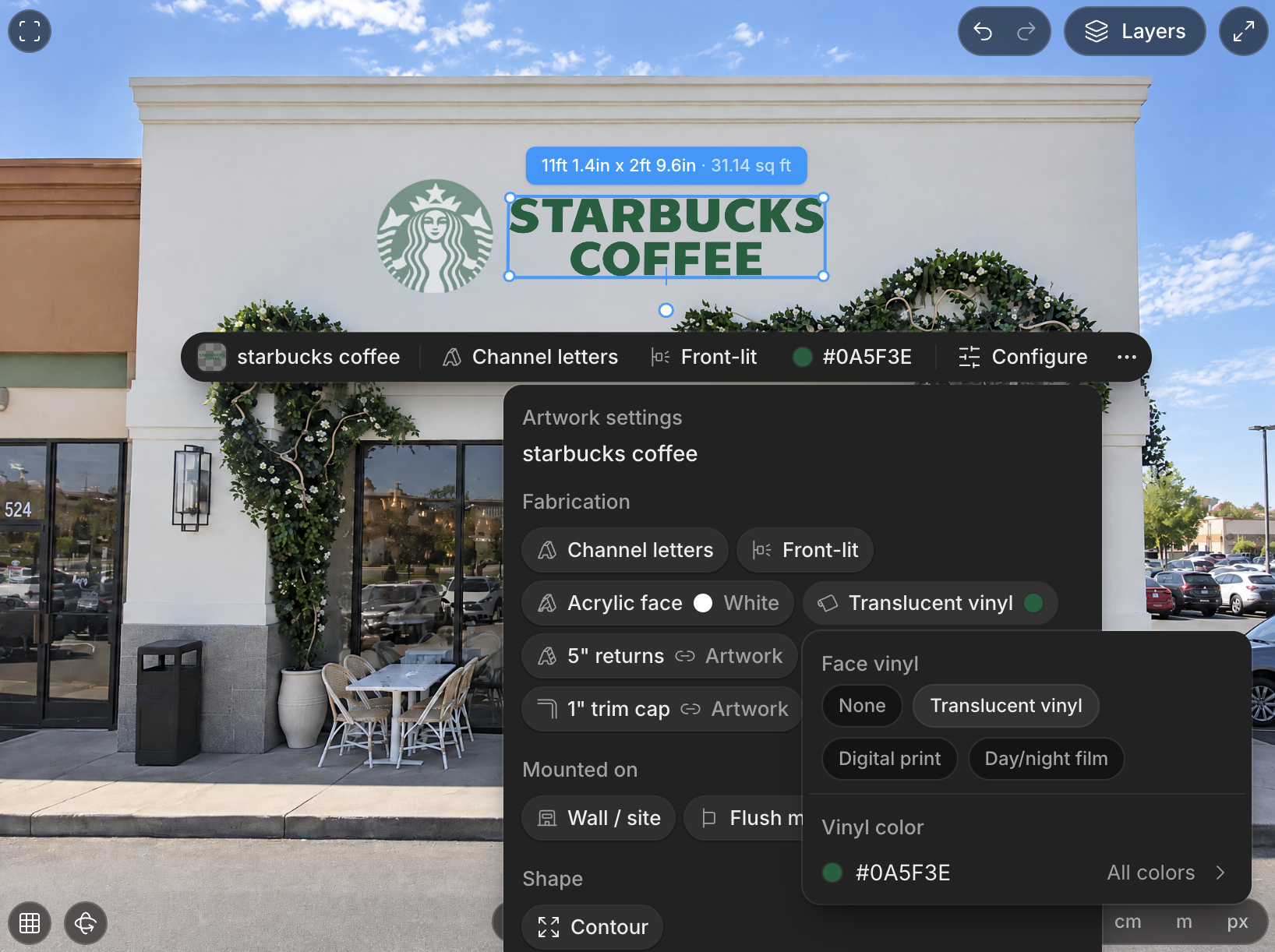
Add face vinyl options for channel letter faces
Apply specific face vinyl finishes like translucent, digital print, or day/night film directly to channel letter faces.
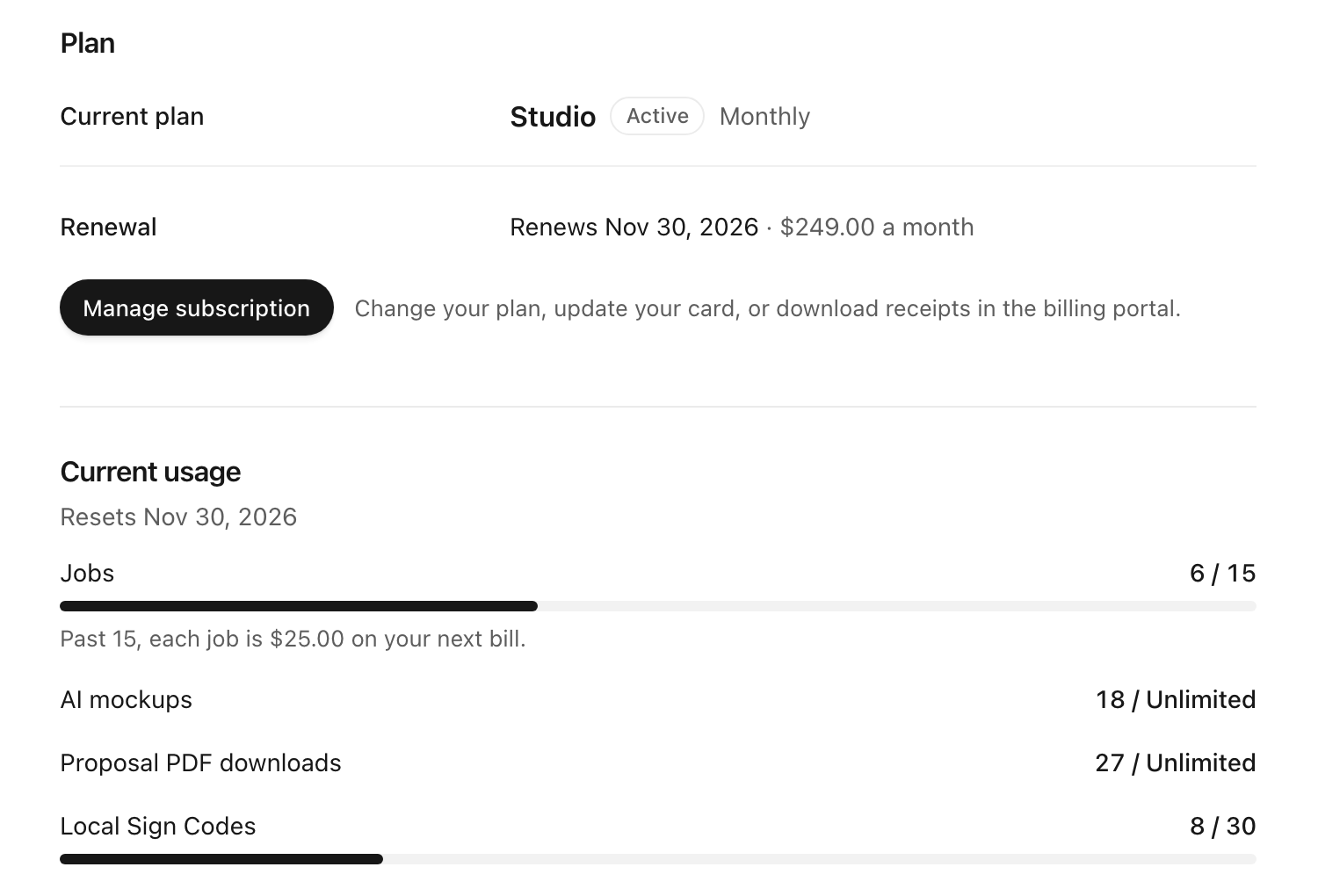
Unlimited proposal PDF downloads
Enjoy unlimited proposal PDF downloads on every plan that includes proposals, removing previous monthly caps for basic shops.
Large phone photos now upload
Upload large phone photos and files up to 25 MB seamlessly for project maps, artwork crops, and vehicle images.
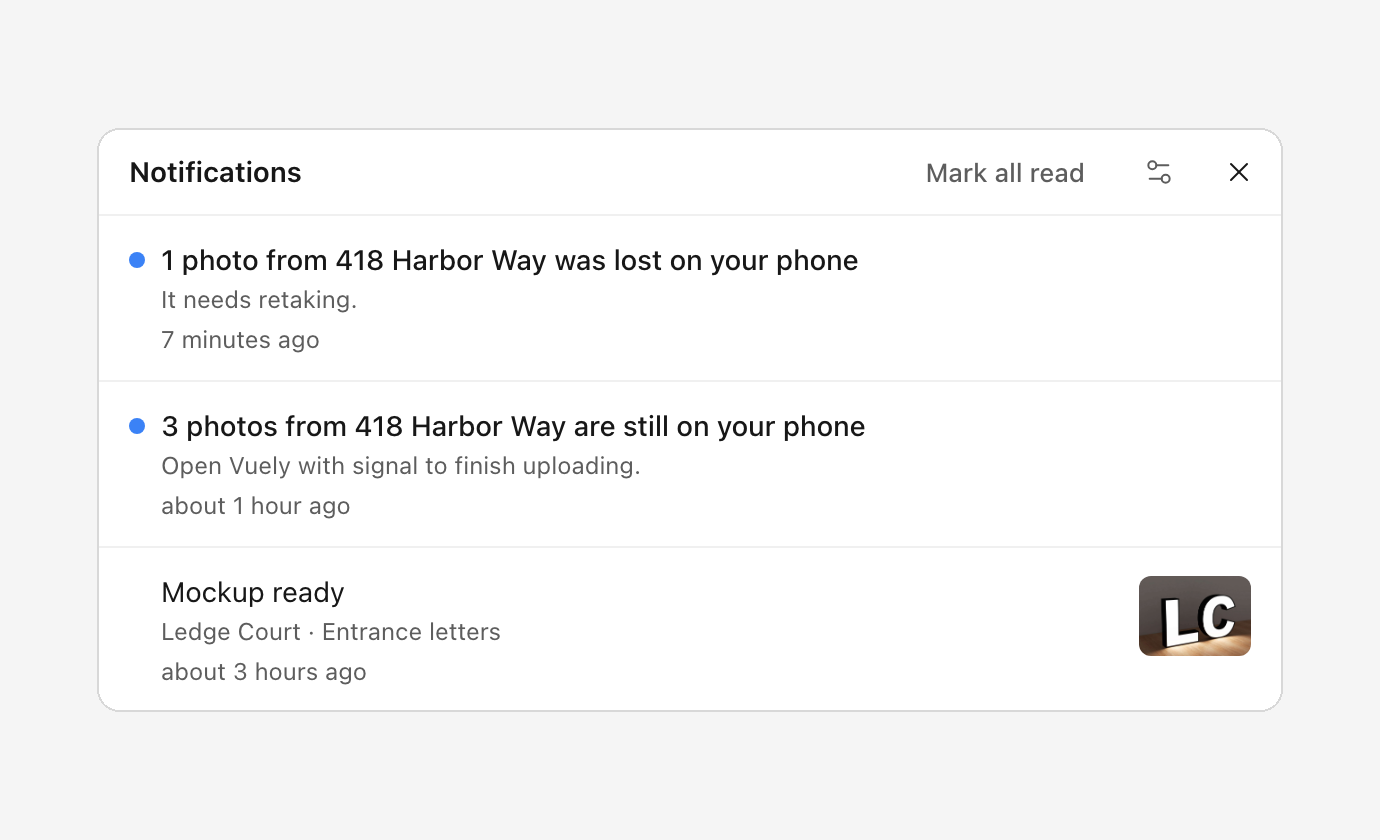
Get reminded when survey photos wait on your phone
Receive helpful reminder notifications if survey photos remain on your mobile device, ensuring all site media syncs properly.
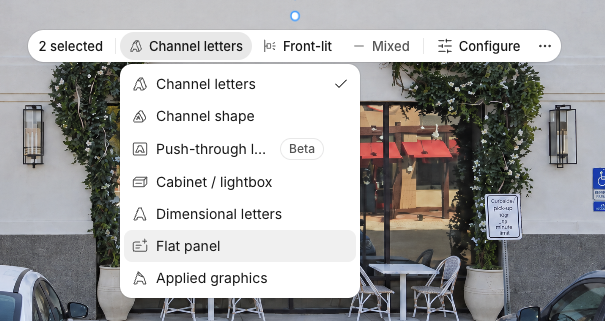
Flat panel is now a sign type
Select flat panel as a sign type to display artwork on ACM panels with customizable rectangular or contour cut shapes.
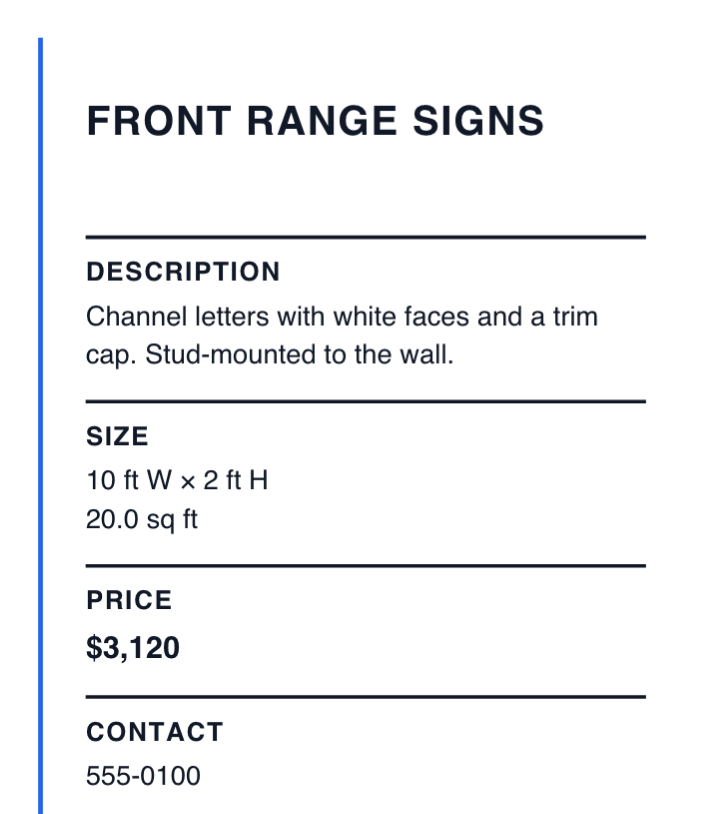
Each concept's sign sheet shows its price
Display individual pricing on each concept's sign sheet so clients can easily compare options side by side.
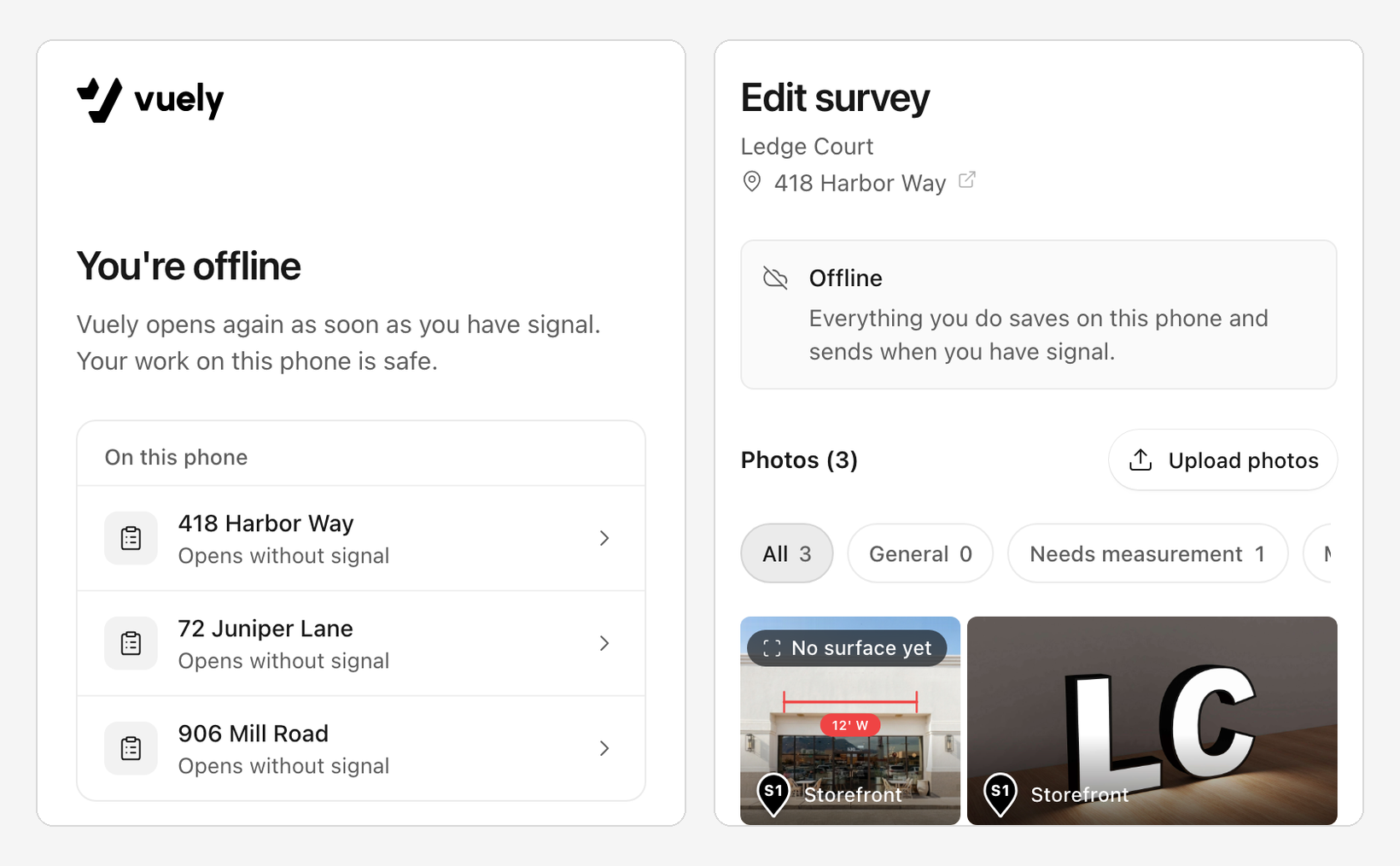
Open Vuely and keep surveying with no signal
Continue conducting site surveys offline without a cellular signal, with all data automatically uploading once connection is restored.
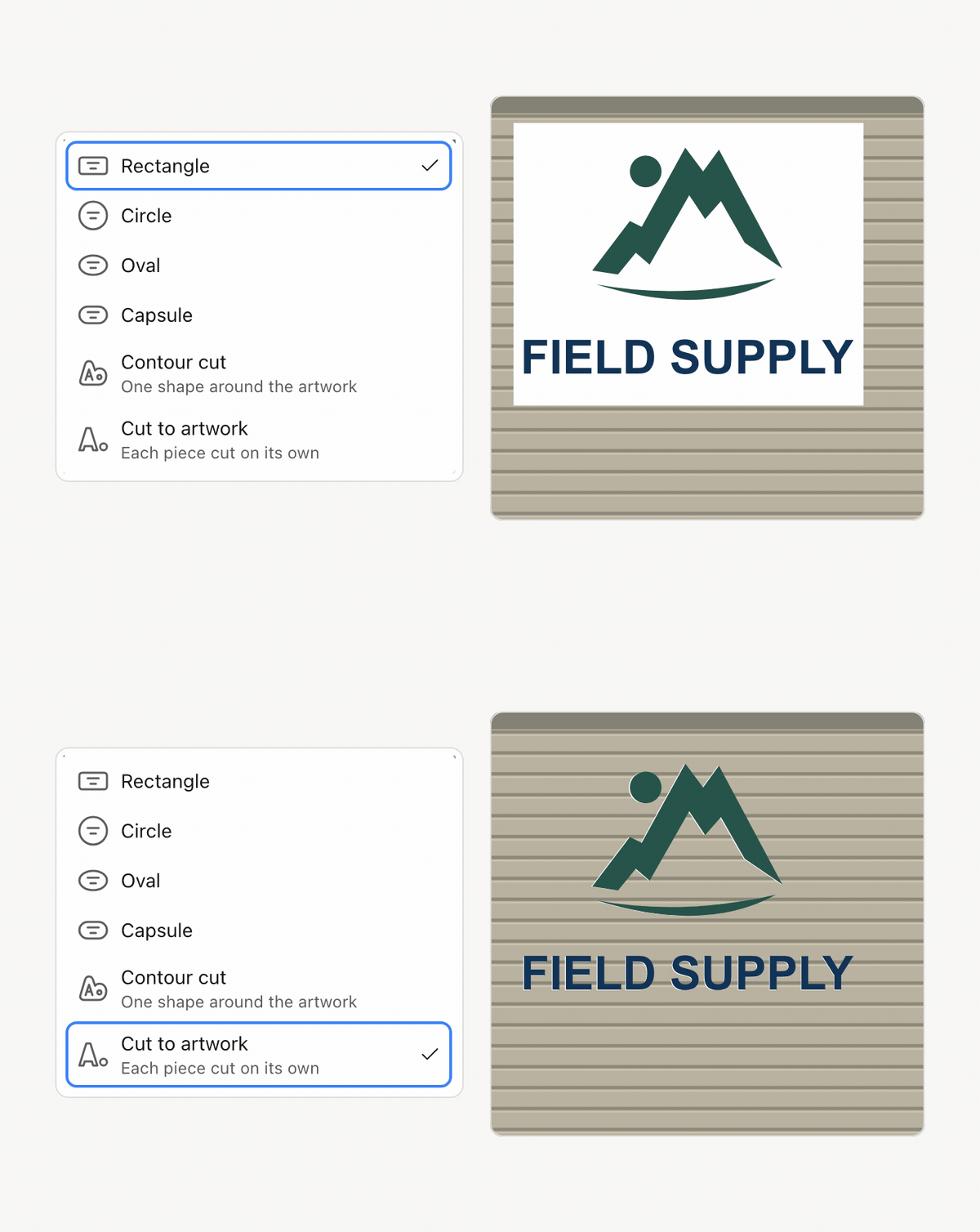
Cut channel shapes and cabinets to artwork
Utilize new cut-to-artwork shape options for channel shapes and cabinets for precise border matching.
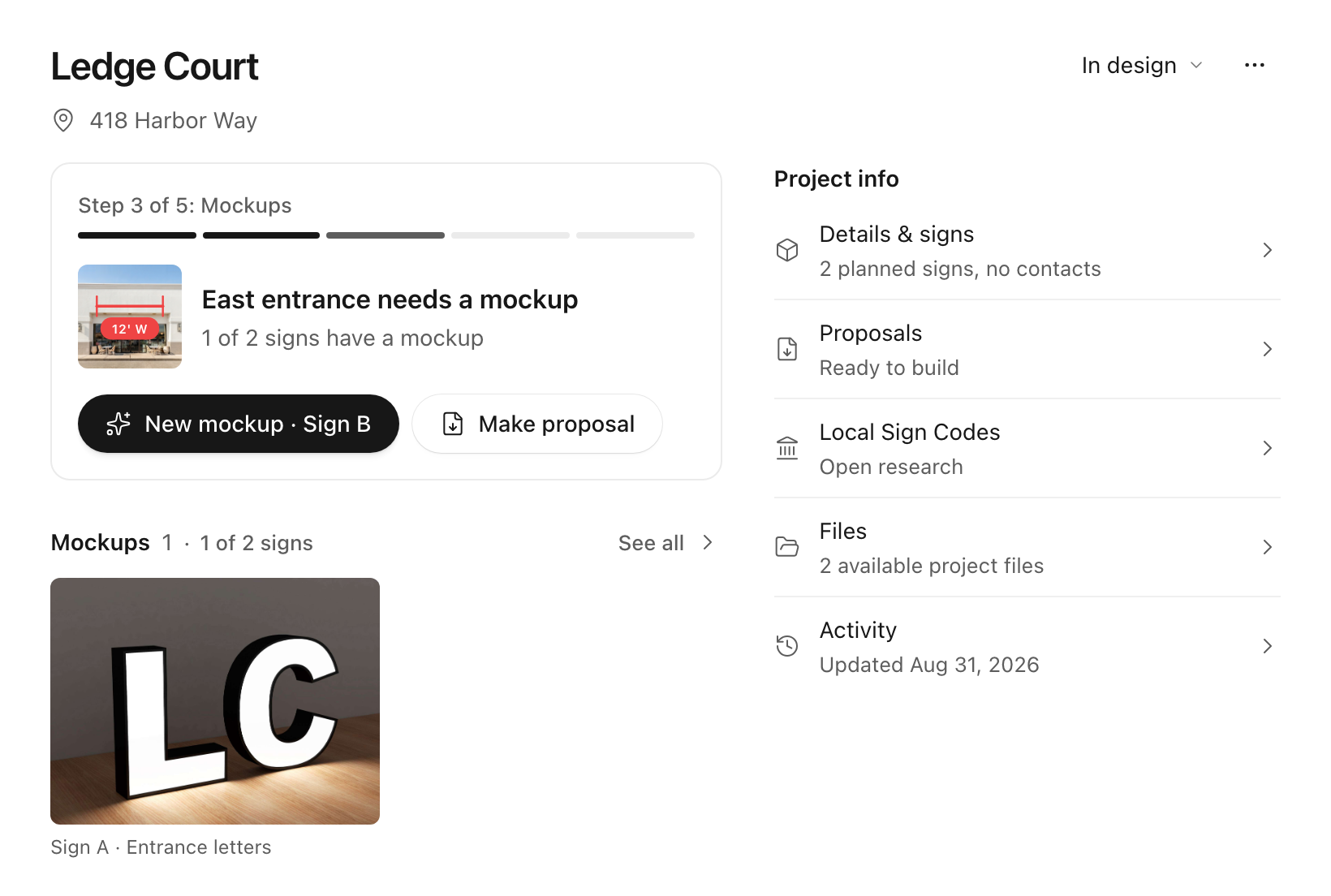
Make a proposal after your first mockup
Start creating proposals immediately after completing your first mockup without needing to design every sign in the project first.
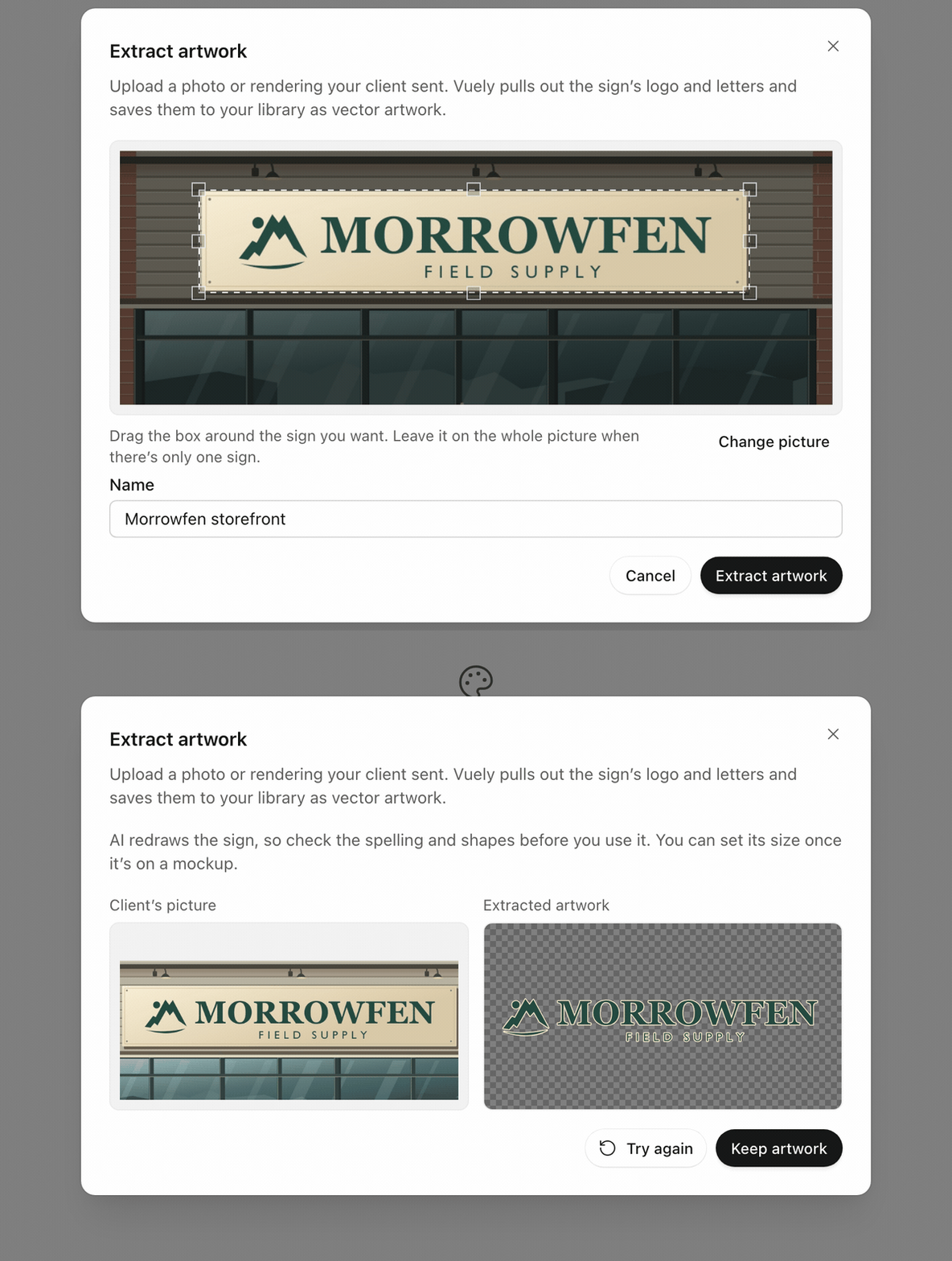
Turn a client's sign photo into artwork
Extract flat vector artwork from client photos or AI renderings automatically onto a transparent background.
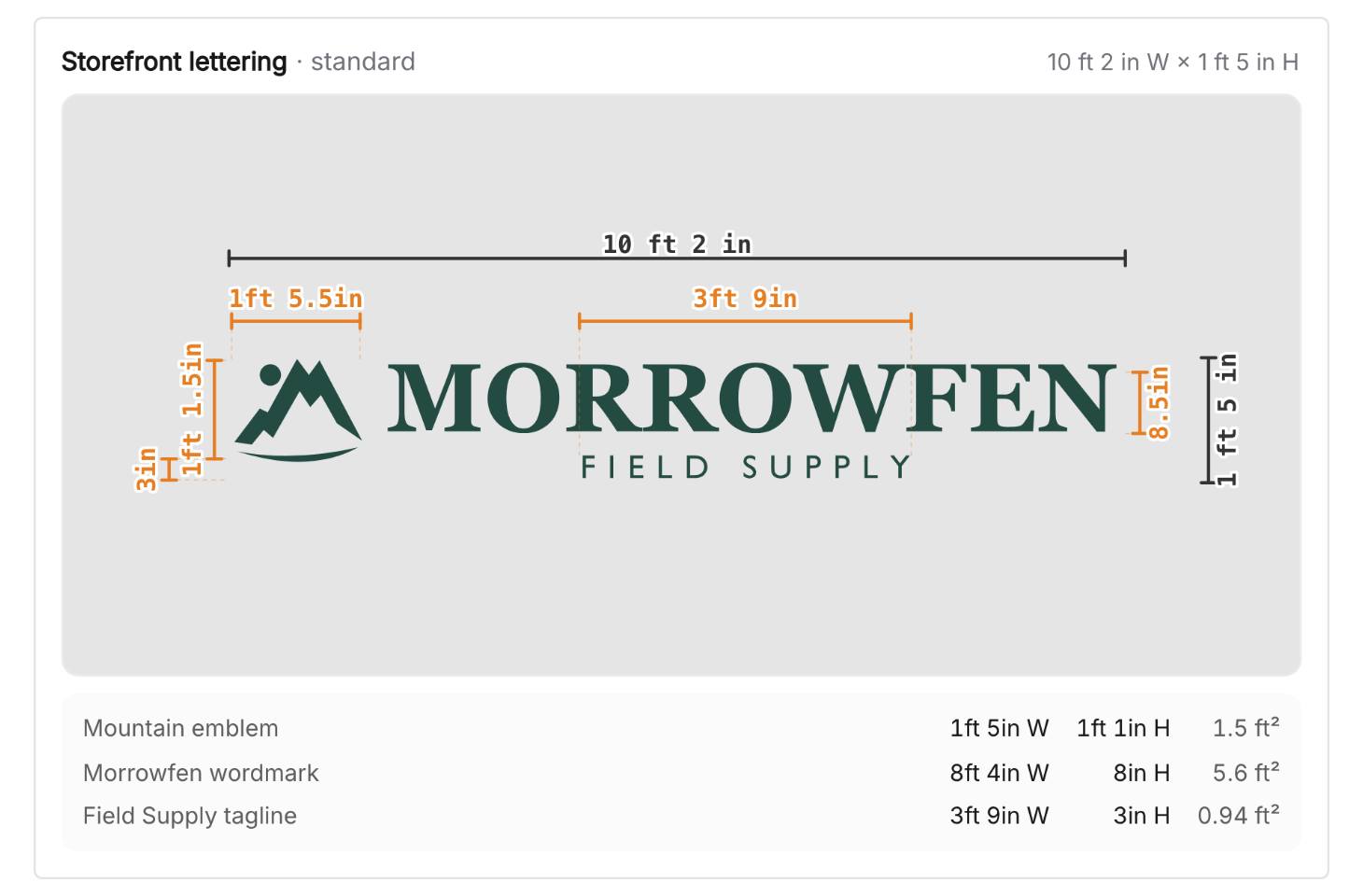
Measurement tables name the right artwork
Ensure measurement tables accurately label transparent or white artwork without generating incorrect placeholder names.