

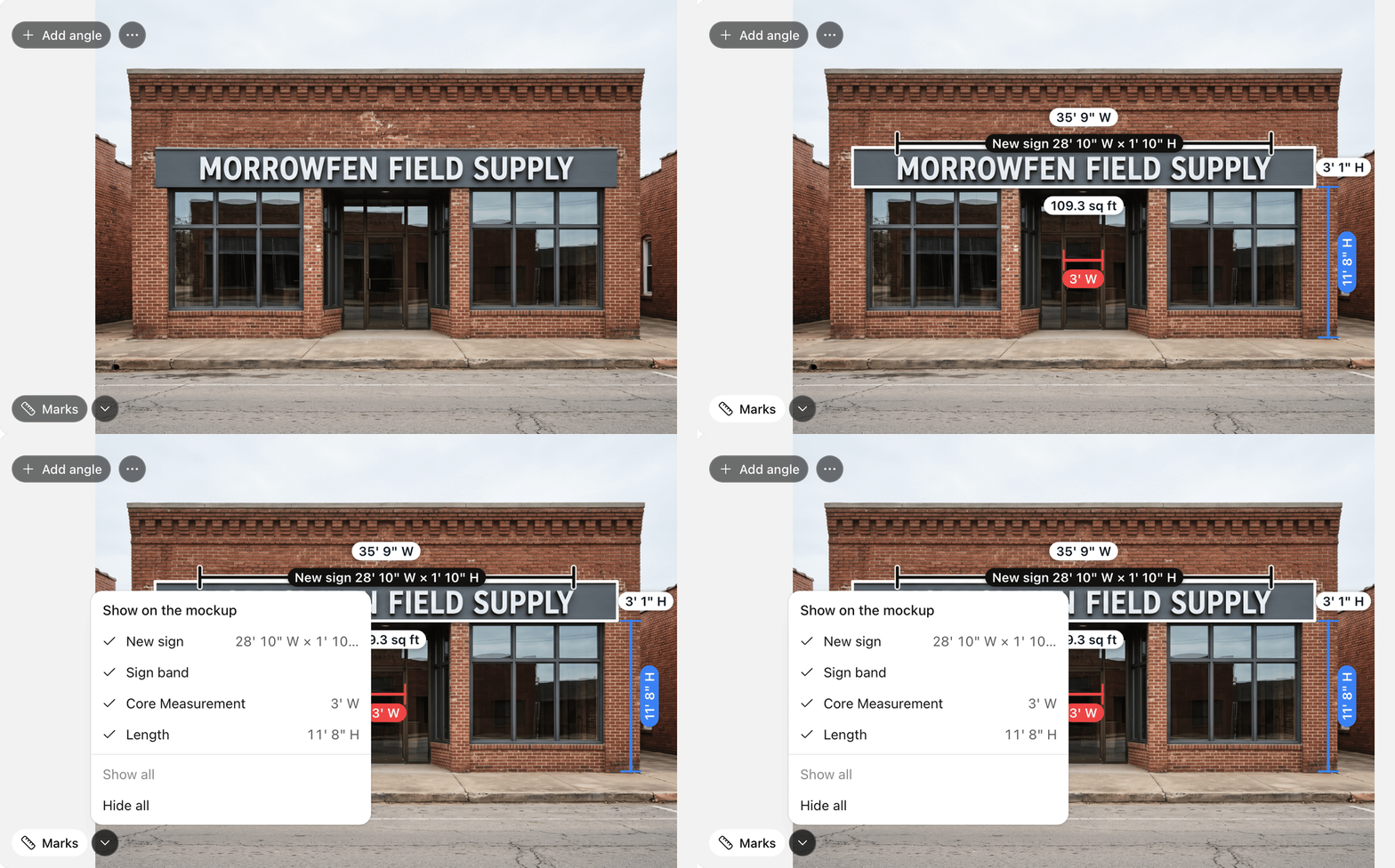
Show survey measurements on mockups
Click Marks on a finished mockup to lay the survey photo's measurements over it, with the new sign's width and height. The arrow beside Marks lets you leave some off. For a permit, choose Download, then With survey marks. To add them to a proposal, turn on Edit layout, select the mockup's picture on the sheet and turn on Show marks. Marks shows when the mockup was made from a survey photo that has marks.